Answer
Software Center and Self Service+ put everyday IT tasks in your hands.
Self Service+ (macOS) and Software Center (Windows) provide the following benefits
- On-demand software installation and upgrading.
- No administrator requirements to install software or run tools.
- Let's you act without opening a ticket.
- Install approved software on your own schedule.
- Run tools that fix common problems, like printing.
- Upgrade your operating system when you are ready.
- A continually updated catalog of software and tools.
How to find Self Service+
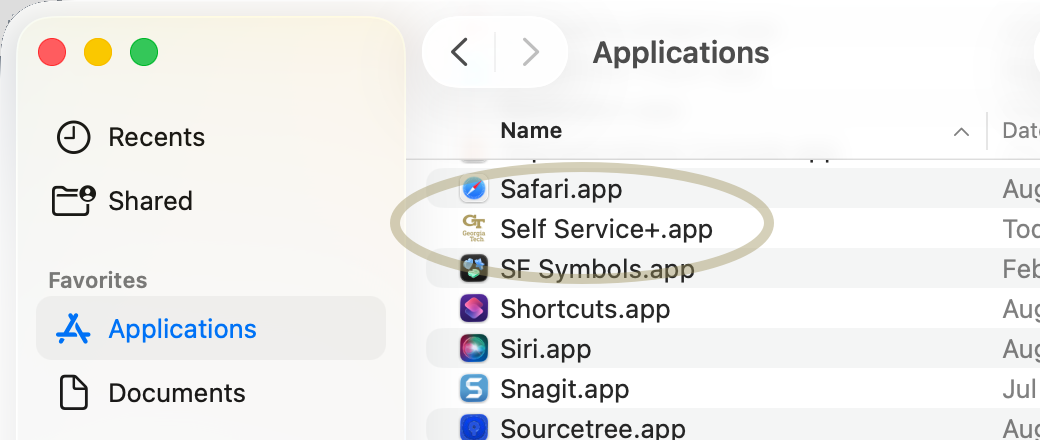
On your Mac computer, look for Self Service+ in the Applications folder.
How to find Software Center
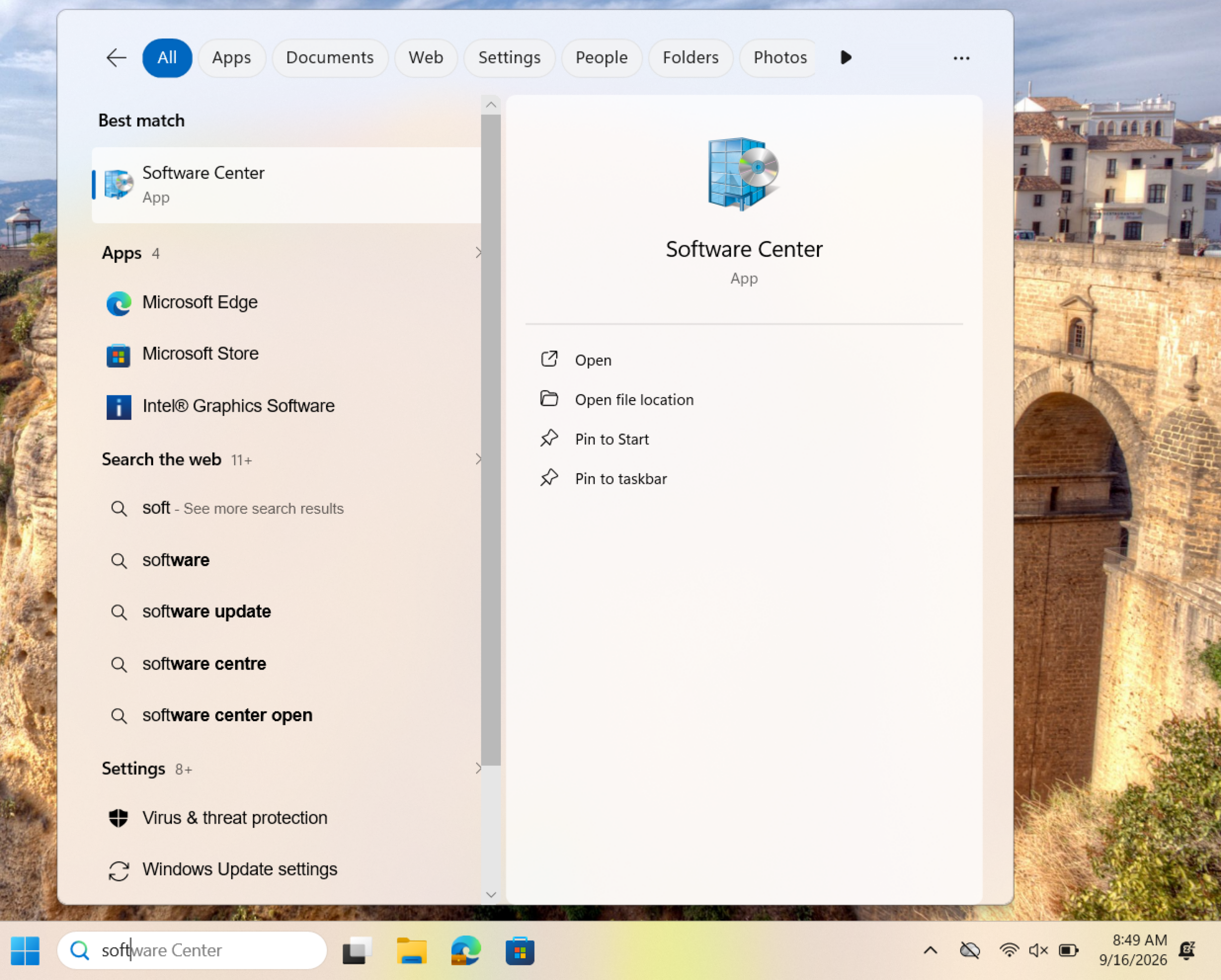
On your Windows computer, search for "Software Center" in the Windows search box.